First login and initial setup
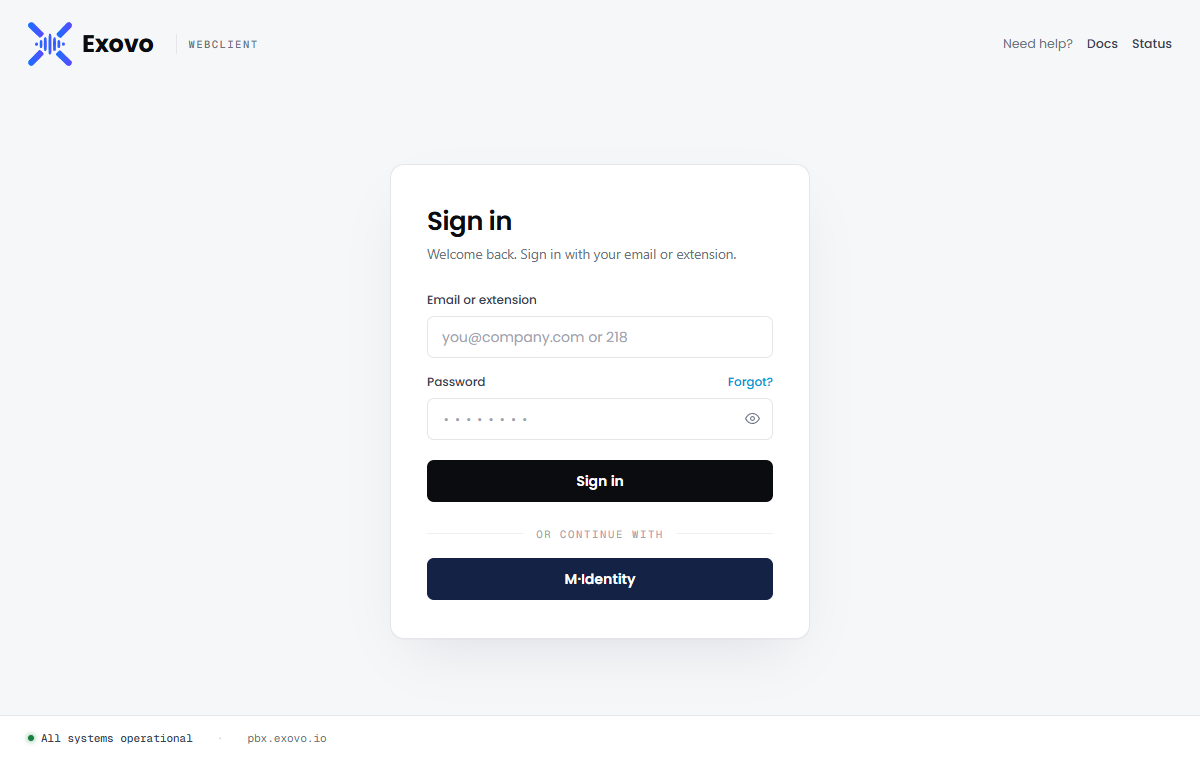
With installation finished, browse to https://<your-fqdn>
(include the port, such as :5001, if you chose a non-default HTTPS port)
and sign in with the administrator email and password you set in the onboarding wizard. Users can
sign in with either their email address or their extension number; if you've connected a
single-sign-on provider, its button appears below the form.
Getting oriented
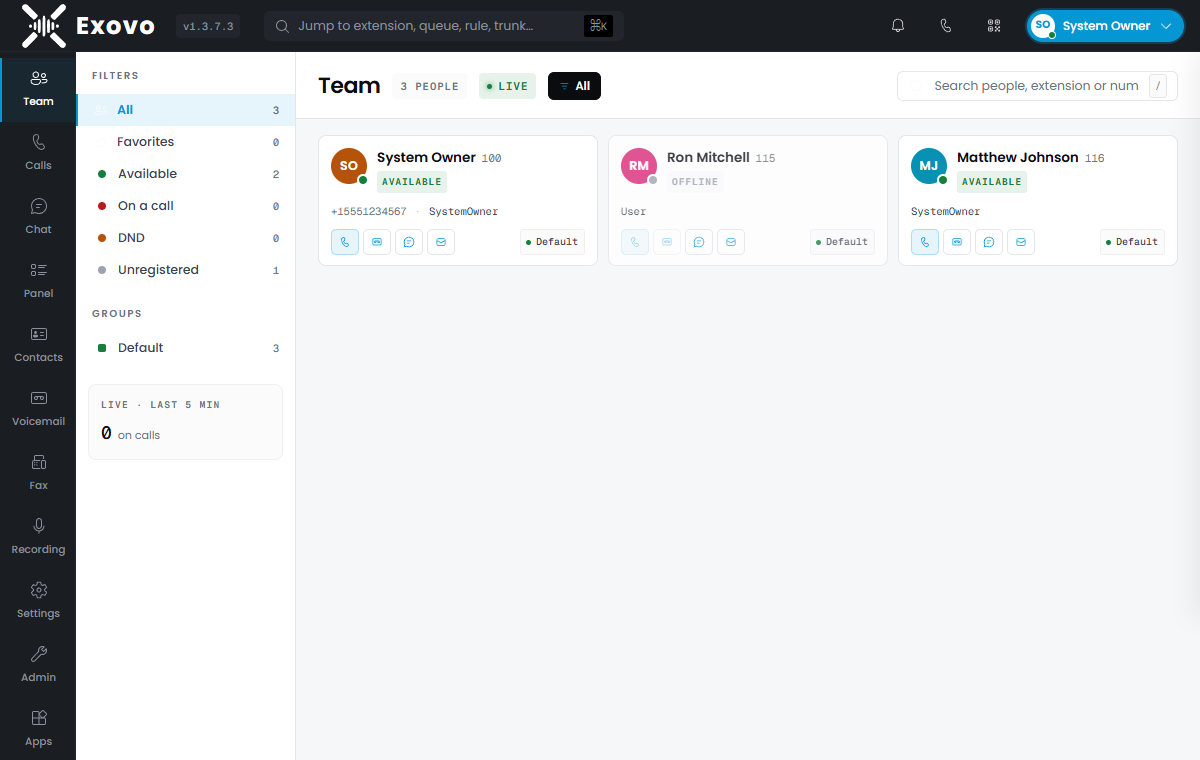
You land on the Team view — the live presence board. Every user on the system appears as a card showing their status (available, on a call, DND, unregistered), with one-click actions to call, chat or leave a voicemail. Star a card to add that colleague to your Favorites — a filter at the top of the board that narrows to the people you work with most, saved per user. The left rail is the whole client: Team, Calls, Chat, Panel (the operator view), Contacts, Voicemail, Fax, Recording, Settings — and, for administrators, Admin.
Everything below happens under Admin, which opens on the system dashboard:
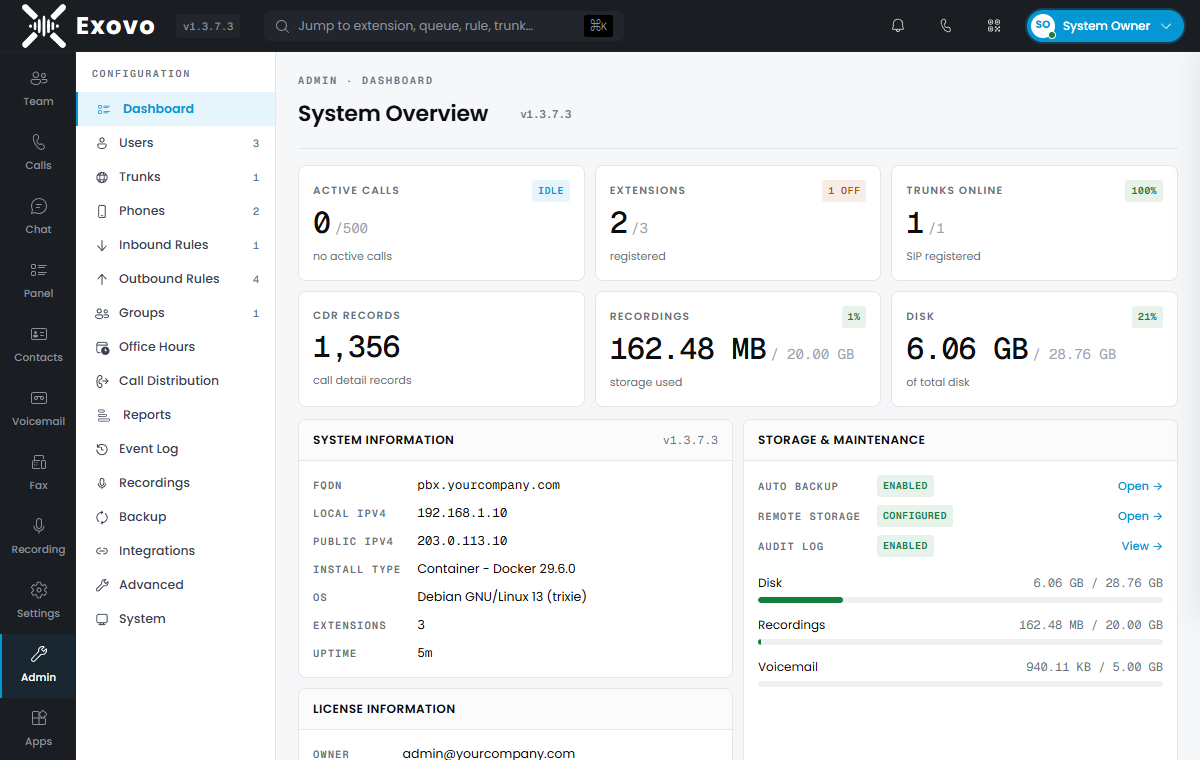
The dashboard is worth a bookmark — active calls, extension registration, trunk health, disk and recording usage, license status and backup state at a glance.
1. Set the time zone
Open Admin → Office Hours and pick your time zone from the selector at the top — a new system starts on the global default (UTC). Do this first: call history timestamps, office-hours routing, voicemail stamps, reports and scheduled backups all follow it, and times will look wrong everywhere until it's set. While you're on the page, the office-hours schedule itself can wait — it's revisited under Recommended before going live below.
2. Say where the system is
Admin → System → Dialling holds the country, its calling code and the prefix people here dial before a foreign number. A new system starts on the United States (+1, 011). These decide how a typed number becomes a dialable one, how an incoming number is matched to a contact, and which country the allowed-country-code list treats as home and never blocks — so set them before anyone places a call.
3. Verify the host IP address
Important: before putting desk phones on the system, open Admin → Connectivity → Network and check the Host IP Address. This must be the server's LAN address — the IP local phones reach the PBX at. Phone provisioning and in-call operations from LAN phones (hold, transfer) depend on it: if it's wrong, phones may provision against an unreachable address or drop mid-call actions.
The field is detected automatically from the server's default network route during deployment and pre-filled on first visit — on a server with a single network card the detected value is almost always right, but it still has to be saved once to take effect. If the server has multiple network cards (or the phones live on a different subnet than the default route), enter the correct address manually. Saving a value here always overrides the detected one.
Keep Static Public IP set to the actual public address when using static mode. Local trunks and FXO gateways use the Host IP Address through their LAN network mode; changing the public IP to the LAN IP would affect your public trunks and remote clients. After saving network address changes, apply the pending core restart before testing calls.
4. Create your users
Admin → Users lists every extension. Click Add User, give them a name, email and extension number, and save — that's enough for them to sign in to the web client and make calls from the browser. Each user's page also carries their SIP credentials (for desk phones and apps), voicemail settings, forwarding rules and role.
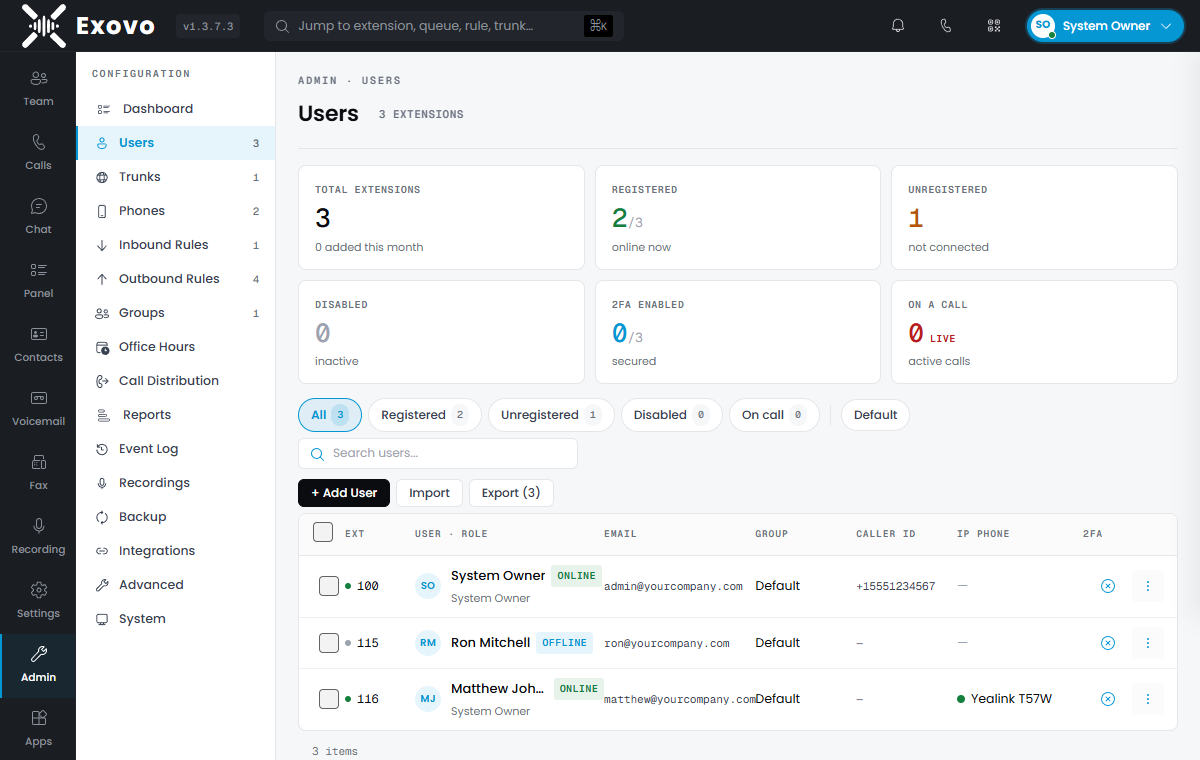
Bulk-importing an existing phone list? Use Import on the same page.
5. Add a SIP trunk
External calling needs a trunk. Admin → Trunks → Add trunk and pick your provider from the template list — the template pre-fills the registrar, transport and DID handling, so typically all you enter is the account credentials and your numbers. Registration state shows live on the trunk list; a green Registered means the provider accepted you. IP-authenticated trunks do not register, so test them with calls instead. For a local provider appliance or FXO gateway, enable LAN network mode in the trunk's Options before testing.
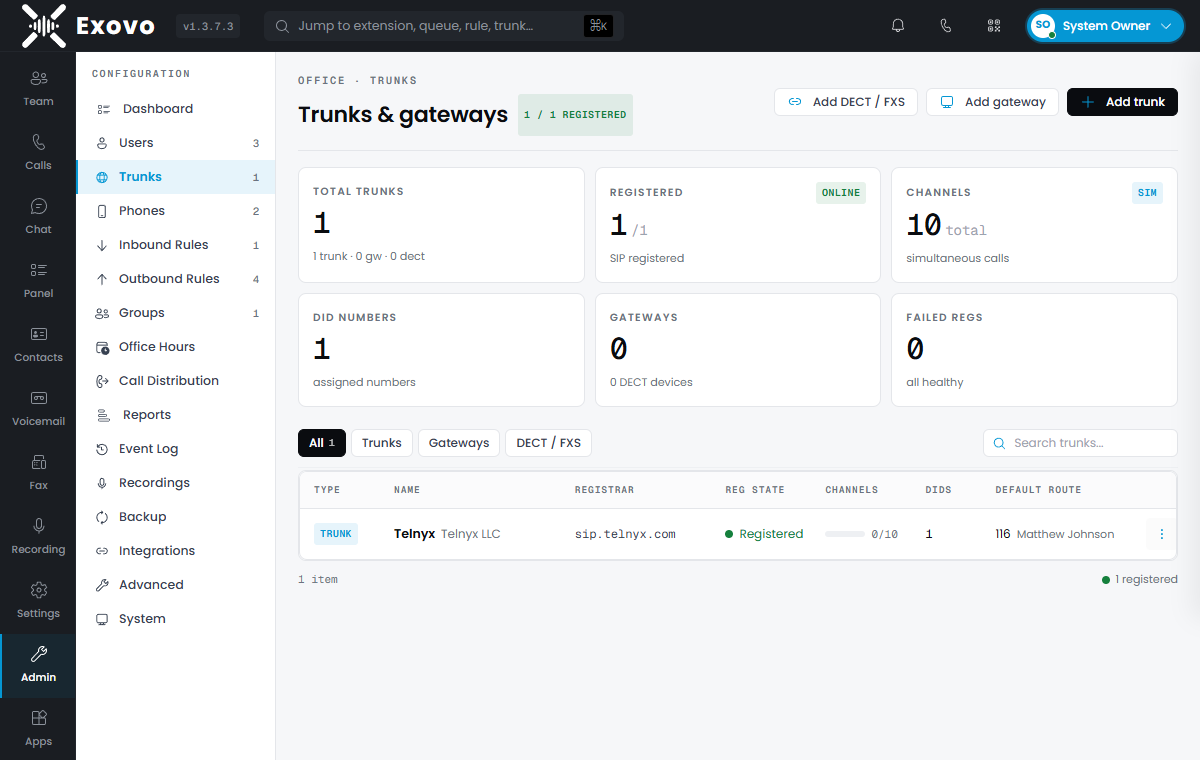
Each trunk gets a default route — where inbound calls land before you build out proper inbound rules. Point it at yourself while testing.
6. Make the first call
- Browser first: from the Team view, click the phone icon on your own card's neighbours, or dial an external number from Calls. Browser calling uses the media relay set up during installation — no extra configuration.
- Then a desk phone: supported phones provision themselves — see phone provisioning. Point the phone at the PBX, assign it to a user, and it pulls its configuration.
- Then inbound: call one of your DIDs from a mobile. It should land on the trunk's default route.
Before going live: check your firewall
⚠ Make sure SIP port 5060 is NOT forwarded to this server from the internet. It's the single most important thing to get right. Exovo keeps phone registration LAN-only on purpose; a 5060 port-forward left over from a previous phone system exposes you to constant internet scanning and toll-fraud attempts. Remote phones and sites connect through the tunnel and VPN, not through 5060 — see the firewall ports guide. If the console later shows a red "SIP scanning from the internet detected" banner, this is the cause: remove the port-forward rule.
Recommended before going live
- Turn on 2FA for administrator accounts — set it up under Settings → Security, or Require it for admins from Admin → Users (the Users list shows who has it). See two-factor authentication.
- Set office hours (Admin → Office Hours) so after-hours routing behaves from day one.
- Build inbound rules per DID instead of leaning on the trunk default route.
- Check the backup schedule (Admin → Backup & Restore) — automatic backups are enabled by default; point them at remote storage and set the passphrase, because a schedule without one is skipped (the dashboard banners it).
- Name the organization (System › Options) — every browser tab then reads page · organization, which is what tells several Exovo consoles apart. Until it is set, tabs show the system's address.
- Review the security defaults against the hardening checklist — anti-hacking protection is on by default, but the allowed-country-code list is worth tailoring — and it only allows your own country and the ones you tick, so check it before anyone needs to call abroad.
Next: updating Exovo and the architecture overview.